
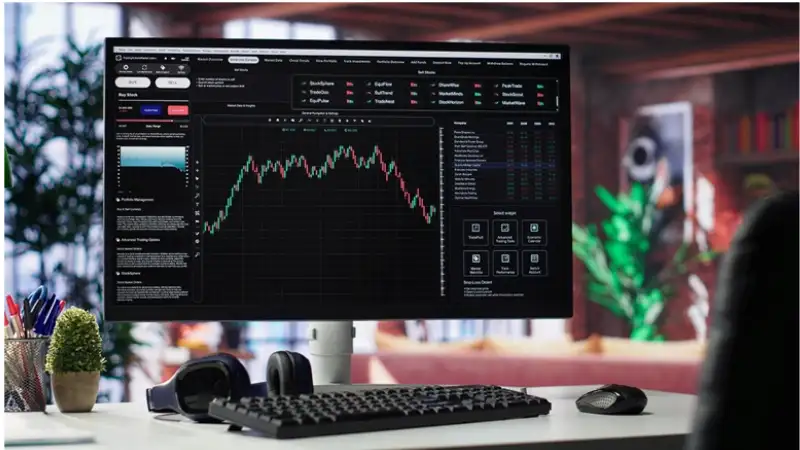
Managing more than one trading account sounds simple until you have to execute the same idea several times. One missed click can mean a different entry price, the wrong position size, or a stop loss that never gets placed. A trade copier is designed to remove that manual repetition.
This guide explains what a trade copier does, when it is useful for TradingView based workflows, and how to set it up with basic risk controls.
What a trade copier is in plain English
A trade copier mirrors orders from one account to other accounts.
– The leader account is where you place the trade.
– The follower accounts automatically replicate it.
Depending on the tool, copying can include market and limit orders, plus attached risk orders such as stop loss and take profit brackets. The point is not to trade more often. The point is to execute the same plan consistently.
Why TradingView traders look for a copier
TradingView is widely used for charting and for sending orders through supported broker connections. But TradingView itself is not built to place the same order across multiple accounts at the same time.
A dedicated copier adds that missing layer. You keep TradingView as your screen for analysis and entries, while the copier handles replication and monitoring.
If you want a concrete example of this workflow, the Tradesyncer page for a TradingView trade copier outlines a leader follower setup, copy groups, and configurable sizing rules.
Practical benefits for common trader profiles
Funded and prop style traders
When you trade several evaluation or funded accounts, consistency matters as much as strategy. Copying can help you:
– Avoid manual order entry errors across accounts
– Keep position sizing aligned with account rules
– Reduce the chance of forgetting protective orders
Active futures traders
In fast markets, the operational side can become the bottleneck. Copying can reduce the time spent repeating the same order and help you focus on decision making. That matters most around market opens and news releases, when prices move quickly and a delay of a few seconds can change your fill.
Traders who separate accounts by purpose
Some traders keep accounts separate for different strategies or risk levels. With copy groups and per follower sizing, you can decide which accounts should follow a given leader and how much size each one should take.
A three step setup you can test safely
Before you rely on any copier with real money, confirm that your TradingView workflow and broker connection are supported.
- Choose the leader account
- Add follower accounts and group them logically
- Set sizing and safety rules
For step three, start simple. Use fixed size or a multiplier per follower, and define what should happen if an order is rejected or a connection drops. Then run a small test session to confirm that entries, exits, and brackets behave the way you expect.
What to check before choosing a tool
Trade copying is infrastructure, not a performance edge. Use this checklist to compare options.
– Compatibility with your broker and account types
– Clear risk controls such as caps per follower
– Real-time alerts for disconnects and rejected orders
– Transparent notes on latency and what can affect it
– Security basics such as encrypted connections and clear data handling policies
For broader risk education, review materials from regulators such as the U.S. Commodity Futures Trading Commission and the U.K. Financial Conduct Authority.
Educational content only. Trading involves risk, and leveraged products can lead to losses that exceed deposits. For more informative articles, visit our site daily.